How to Setup VPN on a Router
Want to protect every device connected to the same network? The best way to do that is to set up VPN Unlimited on your router! Installing a router-level VPN covers the entire WiFi network, so you don’t need to individually install VPN on each device.
Benefits of installing VPN Unlimited on WiFi routers:
- Protect the whole home or small businesses network
- Share virtual secure connection even with devices that don’t support VPNs
- Access geo-restricted content and blocked sites
Protecting the Whole Network with VPN for WiFi Routers
First of all, let’s figure out what VPN routers are and how does a VPN router work. VPN, or Virtual Private Networks, creates a secure, encrypted connection tunnel between the internet and your device. Thus, this VPN software gathers the device’s internet requests and traffic and routes them through a VPN server via the impenetrable VPN tunnel. This protects your data from getting read, redirected, or intercepted by any third parties.
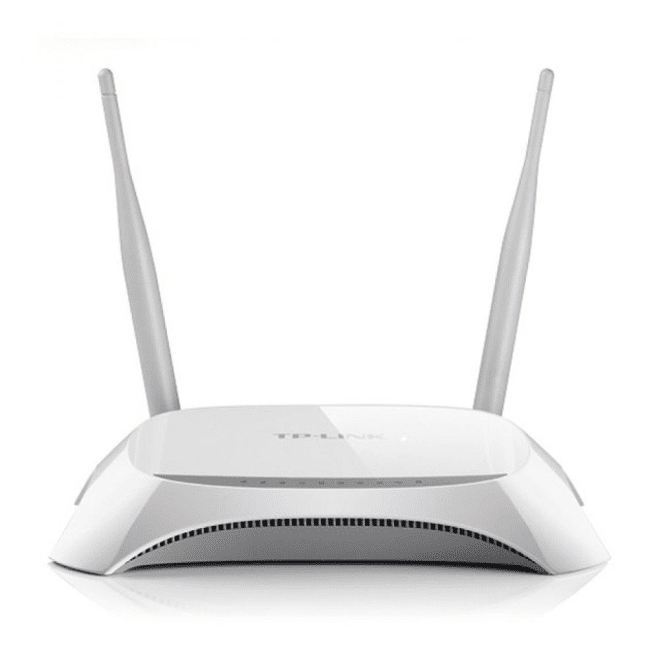
Most WiFi routers lack any of the VPN capabilities (i.e. traffic encryption, IP address masking, tools for unblocking geo-restricted content, whatnot) However, WiFi routers allow VPN traffic to pass through. But for the ultimate effect, it’s possible to install a VPN into the router itself, allowing you to establish a secure connection for all devices connected to the WiFi network.
By setting up a router with VPN, you can protect all connected devices on your home network and all business web traffic on your corporate network. An important distinction is that you don't install VPN on your devices, you configure it only to the WiFi router.