


Download VPN for Mac
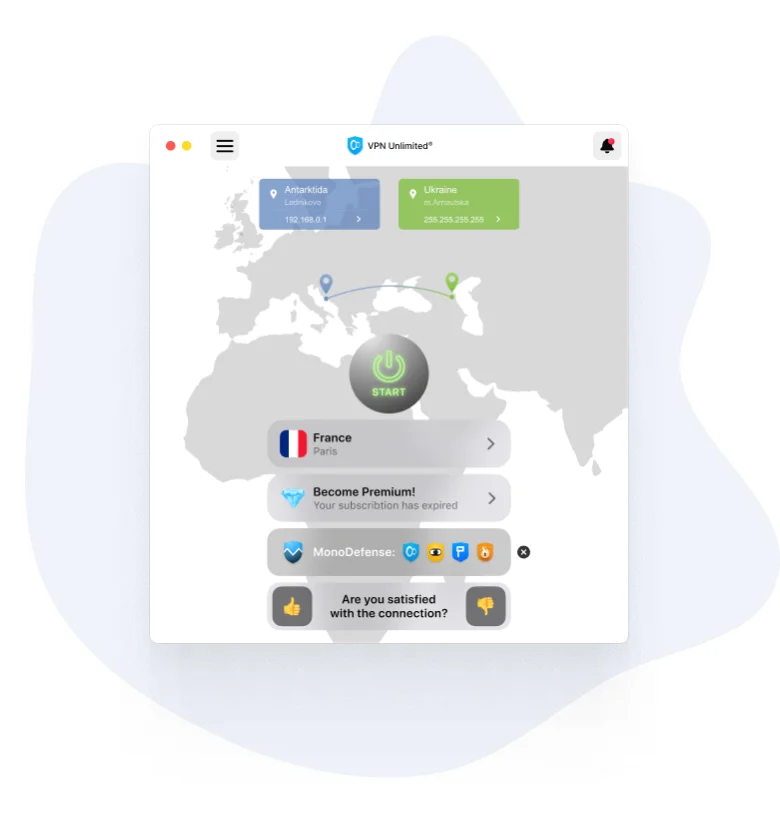
- Strong Protection and Unlimited Online Access
- Intuitive and User-Friendly VPN for Mac
- Thousands of Servers in 80+ Locations

VPN Unlimited - Your Personal VPN for MacBook, Mac Pro, Mac Mini
Watch your favorite streaming media wherever you are
VPN Unlimited offers you a choice of dedicated Streaming servers, designed to access the rich media libraries of Hulu, BBC iPlayer, ESPN+, and Max. Download VPN for Mac and binge-watch your favorite TV shows and series anywhere!
Enjoy unmatched reliability of VPN connection without drops on macOS
Our team implemented a highly secure Kill Switch feature that turns off your MacBook’s Wi-Fi connection if something goes wrong with your VPN app. VPN Unlimited also features security protocols that grant you stable internet traffic without VPN connection drops. So turn on Kill Switch, protect your sensitive information, and keep your Mac free of any accidental internet disruptions.
Whitelist trusted WiFi networks you consider secure for your MacBook
Create your own list of trusted WiFi networks in our VPN for Mac. Your VPN connection will be automatically disabled once you connect to any of these networks. Download VPN Unlimited, use WiFi networks that you consider safe for your internet and freedom, and avoid connection speed loss with the best VPN app on Mac.
How to Get VPN Unlimited on Mac
To learn how to download a standalone version of VPN Unlimited on macOS, please refer to our Manuals. Choose MacBook as your platform and follow the steps given in the installation wizard. If you need any help, please check our FAQ or contact our Support team - real people will answer your questions, not AI.
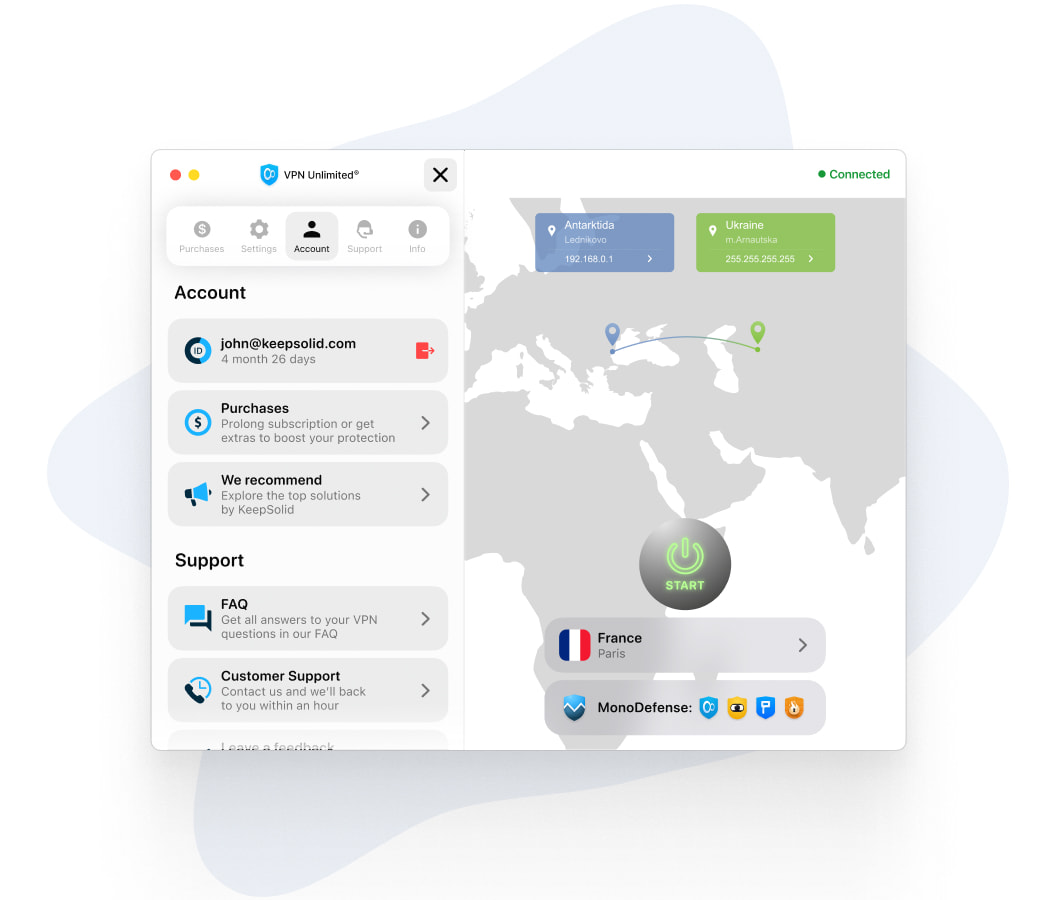
Ultimate Security with Best VPN on MacBook Air
Protect your Mac Air on public WiFi networks
VPN Unlimited offers you end-to-end encryption and super fast security protocols that encipher your internet connection logs and protect your device even on public WiFi networks.
Mask your online activity on MacBook and enjoy the web
Download VPN Unlimited and connect to any VPN server location to hide your real IP address and access the web without speed restrictions. Works with both normal internet connection and mobile and WiFi networks!
Experience lightning-fast internet connection with VPN for Mac Air
VPN Unlimited provides you with the best connection speeds without VPN connection drops. This is thanks to a huge list of VPN servers all over the world and a range of VPN security protocols to choose from.
Why Use VPN Unlimited for Mac
VPN Unlimited allows you to rely on your MacBook Pro / Mini for everything. Our VPN app is a powerful solution for internet freedom, security, and privacy for your Mac computers. With it, you can access any website you like, enjoy browsing without speed restrictions and connection drops, and get unlimited access to any resource you wish.
Use the VPN Unlimited app for Mac to:
- Communicate with your friends via Facebook and other social media without VPN connection drops
- Access favorite gaming sites, and much more from anywhere with no hassle
- Access video streaming services right from your MacBook
- Protect your logs, internet freedom, and macOS devices with a host of security protocols
VPN Unlimited Mac users have access to thousands of VPNs servers across the globe. You can easily switch between servers on the fly to ensure the highest connection speeds without VPN connection drops, and get full access to all your favorite online resources.
Benefits of Downloading the Best Secure VPN for Mac, Mac Pro, Mini, and iMac
Go invisible and private with Mac Pro and Mac Mini VPN Service
Get VPN Unlimited account to get a virtual IP address and hide your online activities from hackers, trackers, and any unauthorized third parties
Protect your device from any cyber threats with security protocols
Using our VPN for all iMac models and MacBook Pro, you can be sure that no hacker will get access to your private photos, browser history, and any other sensitive data
Get access to any content on the web with VPN for MacBook Pro
Install VPN Unlimited on your Mac, choose the VPN server location where the content that you need is available, and stay free online with our VPN app
Top 6 Features of VPN for Mac Software

No speed restrictions & data limits
Download, browse, stream or share, VPN Unlimited users are free to do whatever they want!

KeepSolid Wise technology
Try an additional level of traffic encryption and anonymity for you internet freedom, improved privacy, and unlimited web access without VPN connection drops

3000+ Servers in 80+ locations
No matter where you are, VPN Unlimited will connect you to your favorite content

Unlimited devices
Pay once - use on all your devices. Enjoy true freedom with a VPN on your MacBook or any laptop, tablet, smartphone or PC.

256-bit data encryption
Use the highest encryption level in the VPN industry to secure your private data from hackers, spyware and governments

Additional services
Protect your online activities with our extras: Lifetime VPN and Team VPN options, Personal Servers and IPs, and additional device slots
FAQ on Using VPN application on MacBook Air/Pro/other macOS
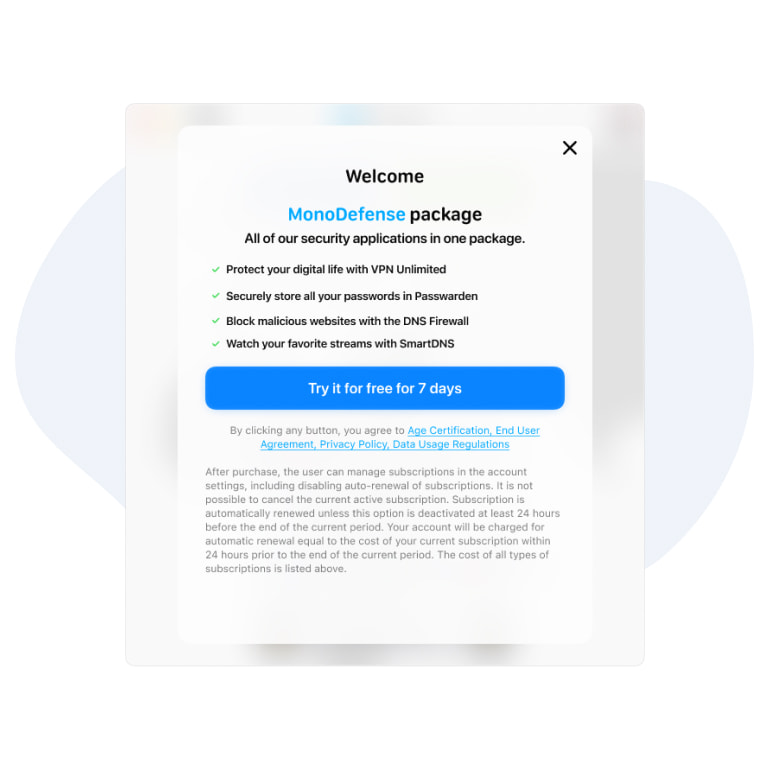
How to Get a Free VPN for Mac Temporarily
Yet another reason to choose VPN Unlimited for your MacBook is our trial period. Our VPN MacBook app offers you a premium set of features that you can use for 7 days for absolutely free. VPN Unlimited trial period will grant you access to all the features of our VPN app so you can see how our app works in practice. You should definitely try it!
Top 5 VPN features to try for free in our VPN for macOS:
- Streaming Servers
- Optimal Server
- Trusted Networks
- Kill Switch Option
- Various VPN Protocols such as WireGuard, OpenVPN etc.
Download the VPN Unlimited app and enjoy secure browsing with the best VPN software for Mac for FREE!
How to Set Up a Native VPN on macOS
- Click on the Apple icon> System Preferences, then choose VPN in the sidebar.
- Click Add VPN Configuration, then choose the type of VPN connection.
- Type the name of the VPN in the Display Name field.
- If you need to configure L2TP over IPSec VPN, click the Configuration pop-up menu or just use the Standard configuration.
- Enter the settings for the new VPN service.
- Cisco IPSec or IKEv2: You can enter settings for DNS and Proxy.
- Click Create.
Note: you need to click the check box to Show VPN status in the menu bar so the VPN icon shows in the menu bar.
Setting a native VPN configuration may be challenging. Unfortunately, it does not always work quickly and efficiently. The problem of VPN connection availability can be quickly solved by the VPN client!
Instead of configuring the VPN connection by yourself, again and again, delegate this work to VPN Unlimited. By using VPN Unlimited for macOS you can get a secure and fast connection to more than 80 locations in one click. With masking your cyber identity, our VPN also provides top-notch security with a Zero-log policy. It means that no one can get your data in an unencrypted format.
Get VPN App for Other Platforms
Enjoy anonymous surfing on devices other than your MacBook with our VPN software as your cybersecurity shield. Download VPN Unlimited and protect yourself from cyber threats.
 7-day free trial
 30-day money-back guarantee